
Getting Leads from the Wrong Location in Meta Ads?
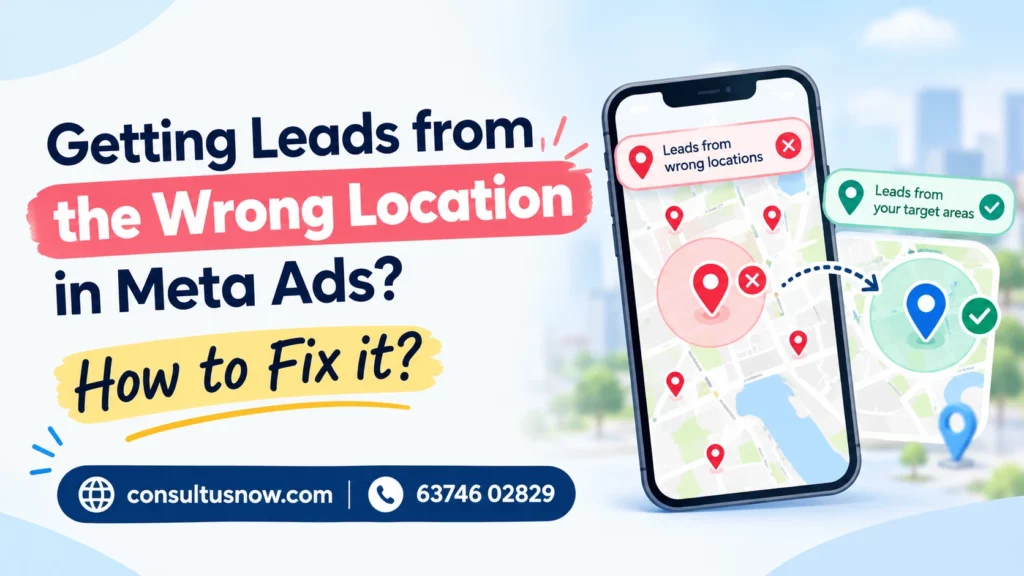
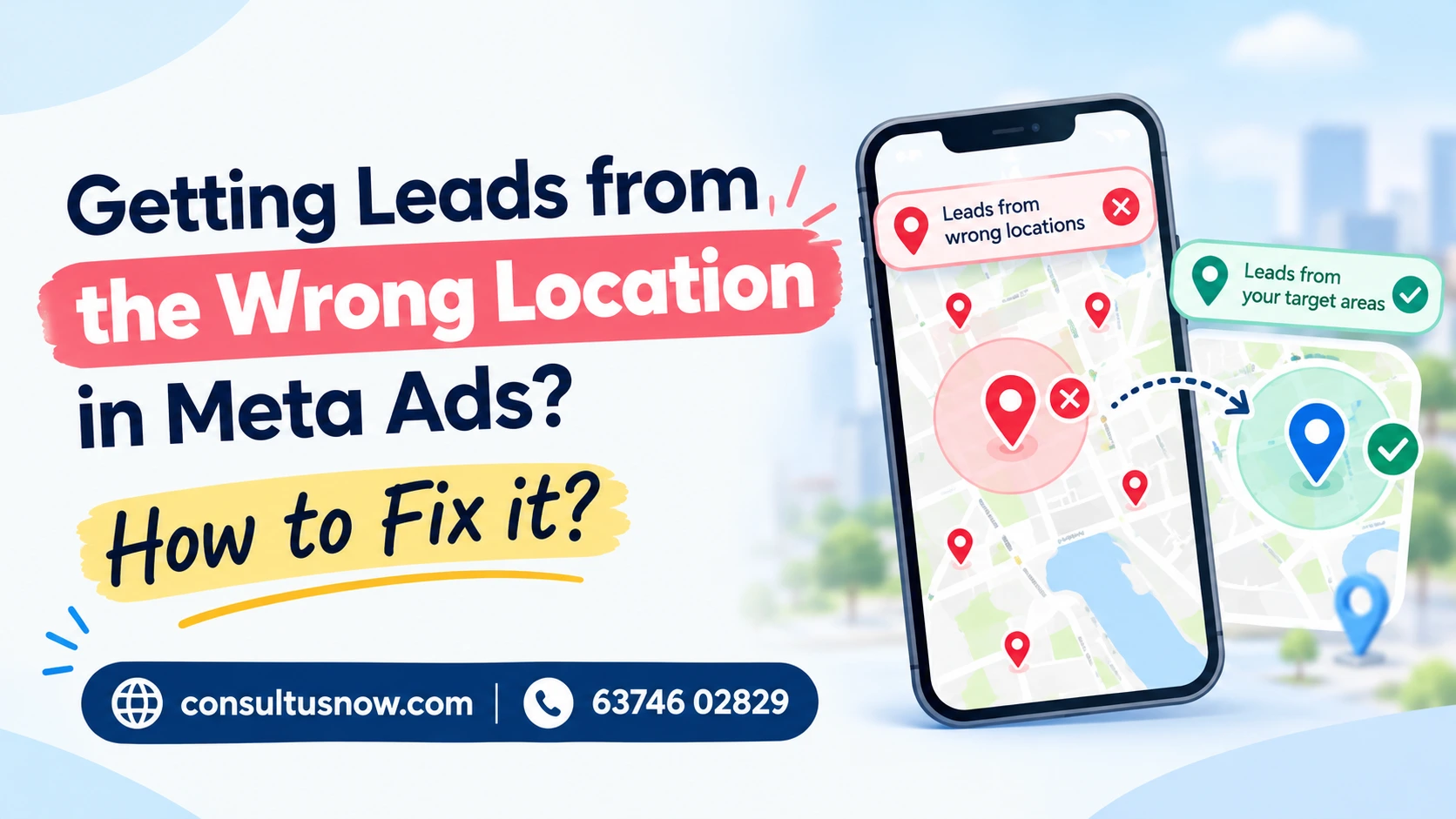
Are you running Meta Ads targeting a specific city, but receiving enquiries from people in completely different locations? For example, you are targeting Tiruppur, but your leads are coming from Coimbatore, Erode, or other nearby cities.
This is a common challenge faced by businesses running Facebook and Instagram ads. Even when you select a particular location in your campaign settings, the enquiries you receive may not always come from your intended target area.
So, why does this happen, and how can you reduce irrelevant location-based enquiries?
In this blog, we will explore practical ways to improve location targeting in Meta Ads and attract enquiries from the areas that matter to your business.
Why Are You Getting Enquiries from Other Locations in Meta Ads?
One of the main reasons could be the way you have configured your location targeting.
For example, suppose your business is located in Tiruppur, and you set a 40 km radius around the city. This radius can cover multiple nearby towns and areas, depending on the selected location and the radius.
As a result, your ads may reach people outside the specific locality you want to target.
Location delivery can also be influenced by Meta’s available location signals, audience settings, and campaign configuration. Depending on these factors, your ads may reach people who do not perfectly match your intended geographical audience.
This can become a problem for local businesses, clinics, event organisers, and service providers who can serve customers only within a limited area.
For example, if you run a clinic in Madurai, receiving enquiries from people in distant cities may not help generate actual appointments.
The good news is that there are practical ways to reduce this problem.
1. Use PIN Code-Level Targeting
One approach is to use PIN code-level targeting wherever it is supported and available in your Meta Ads location settings.
Instead of selecting a city and applying a broad radius, identify the PIN codes that cover your intended service area.
For example, if your business serves customers only in Tiruppur, you can select the relevant Tiruppur areas or PIN codes available in Ads Manager rather than targeting a broad 40 km radius.
You should also review the nearby locations included in your targeting.
If you do not want enquiries from Coimbatore, for instance, check whether those areas are being included in your audience and exclude them where Meta’s current location-targeting options allow it.
What Should You Keep in Mind?
- Identify the exact areas where your business can serve customers.
- Use relevant PIN codes or available location selections instead of relying only on a large radius.
- Review nearby locations that may overlap with your target area.
- Check your actual lead data regularly to identify where enquiries are coming from.
Important: PIN code targeting and exclusions depend on the locations and options Meta currently makes available in Ads Manager. Not every PIN code or exclusion will necessarily be supported.
This approach can help narrow your audience, but it does not guarantee that every enquiry will come from your preferred locality.
2. Use Your Ad Creative as a Location Filter
Here is another approach that can make a significant difference: use your ad creative to communicate exactly whom you want to reach and where your offer is available.
Your targeting settings are not the only way to help attract the right audience. The message, headline, visuals, and offer in your advertisement can also encourage relevant people to respond.
Think of your creative as a filter that helps potential customers decide whether your offer is meant for them.
Example 1: Targeting Local Business Owners
Suppose you are running a lead generation campaign for a digital marketing service in Tiruppur.
Instead of using a generic headline such as:
“Grow Your Business with Meta Ads”
Try a more location-specific message:
“Calling Business Owners in Tiruppur!”
You could also use headlines such as:
- Tiruppur Entrepreneurs, Want More Leads?
- Digital Marketing Solutions for Tiruppur Businesses
- Are You a Business Owner in Tiruppur?
These messages make your intended audience clear before someone clicks on your advertisement or submits an enquiry.
A business owner from another city may be less likely to respond if your offer is clearly presented as a local service.
Example 2: Promoting a Local Event
Imagine you are organising a workshop in Tiruppur and want registrations from people who can attend in person.
Instead of using a generic advertisement that simply promotes the workshop topic, mention the event location prominently in your creative.
For example:
“Meta Ads Workshop in Tiruppur – Register Now!”
You can also display the venue, event date, and city in the design.
This makes it clear that the event is taking place in Tiruppur and helps people understand whether they can attend.
The same approach works for local seminars, business networking events, clinic appointments, offline training sessions, and store promotions.
Example 3: Promoting Local Services
If you operate a clinic, salon, showroom, or home service business, mention the service location clearly.
For example:
- Hair Consultation Available in Madurai
- Interior Design Services for Tiruppur Homes
- Book Your Appointment at Our Coimbatore Clinic
When people see that the service is available in their area, they can decide whether to enquire based on their location.
This helps set expectations and can reduce enquiries from people who are outside your service area.
3. Combine Location Targeting with Location-Specific Creatives
Should you choose PIN code targeting or location-focused ad creatives?
The better approach is to use both wherever possible.
Your audience settings help narrow the geographical area you want to reach, while your creative communicates the intended audience and service location.
For example, if you are advertising a workshop in Tiruppur, you could:
- Select the relevant Tiruppur locations available in Ads Manager.
- Review nearby areas and exclusions.
- Mention “Tiruppur” clearly in the headline and ad creative.
- Display the venue and event date.
- Monitor the locations from which leads are actually coming.
This creates multiple layers of filtering and can help improve lead relevance.
However, remember that no single setting or creative strategy can guarantee that every enquiry will come from the exact location you want.
Will These Methods Guarantee 100% Local Enquiries?
No. It is important to set realistic expectations.
Even if you use PIN code-level targeting, exclude nearby areas where possible, and mention your location clearly in the creative, you may still receive some enquiries from outside your intended service area.
Meta’s delivery systems use available signals to determine which people see your ads, and those signals may not always perfectly match a person’s actual location or your business requirements.
The goal is to reduce irrelevant enquiries, not to expect a 100% guarantee.
You should also evaluate the quality of the leads rather than focusing only on their location. A smaller number of relevant enquiries may be more valuable than a large number of enquiries from people you cannot serve.
How Consultusnow Marketing Solutions Can Help
At Consultusnow Marketing Solutions, we help businesses plan and manage digital advertising campaigns with a focus on generating relevant enquiries and improving campaign performance.
As a meta ads agency in Tiruppur, we understand the importance of reaching the right audience, especially for businesses that serve customers in specific cities or localities.
From reviewing location settings and refining ad creatives to analysing lead quality, a well-planned campaign can help businesses reduce unnecessary enquiries and make better use of their advertising budget.
If your Meta Ads are generating enquiries from the wrong locations, review both your targeting settings and your ad messaging before making major changes to the campaign.
Conclusion
Receiving enquiries from the wrong locations is a common challenge in Meta Ads, particularly for businesses that serve customers within a specific geographical area.
To address this, start by reviewing your radius targeting and exploring PIN code-level targeting where available. Then, make your ad creative more specific by mentioning the intended city, audience, venue, or service location.
Combining these approaches can help reduce irrelevant enquiries and improve the quality of your leads.
Remember, the most effective strategy is not simply to reach more people. It is to reach people who are more likely to become your customers.