
How to Automate Instagram Comments and DMs Using Gallabox?
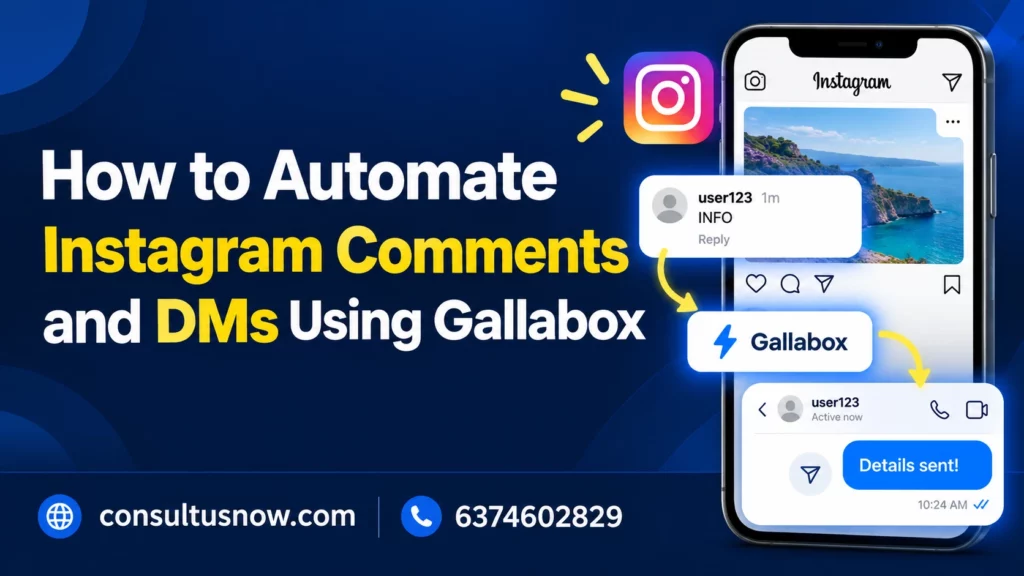
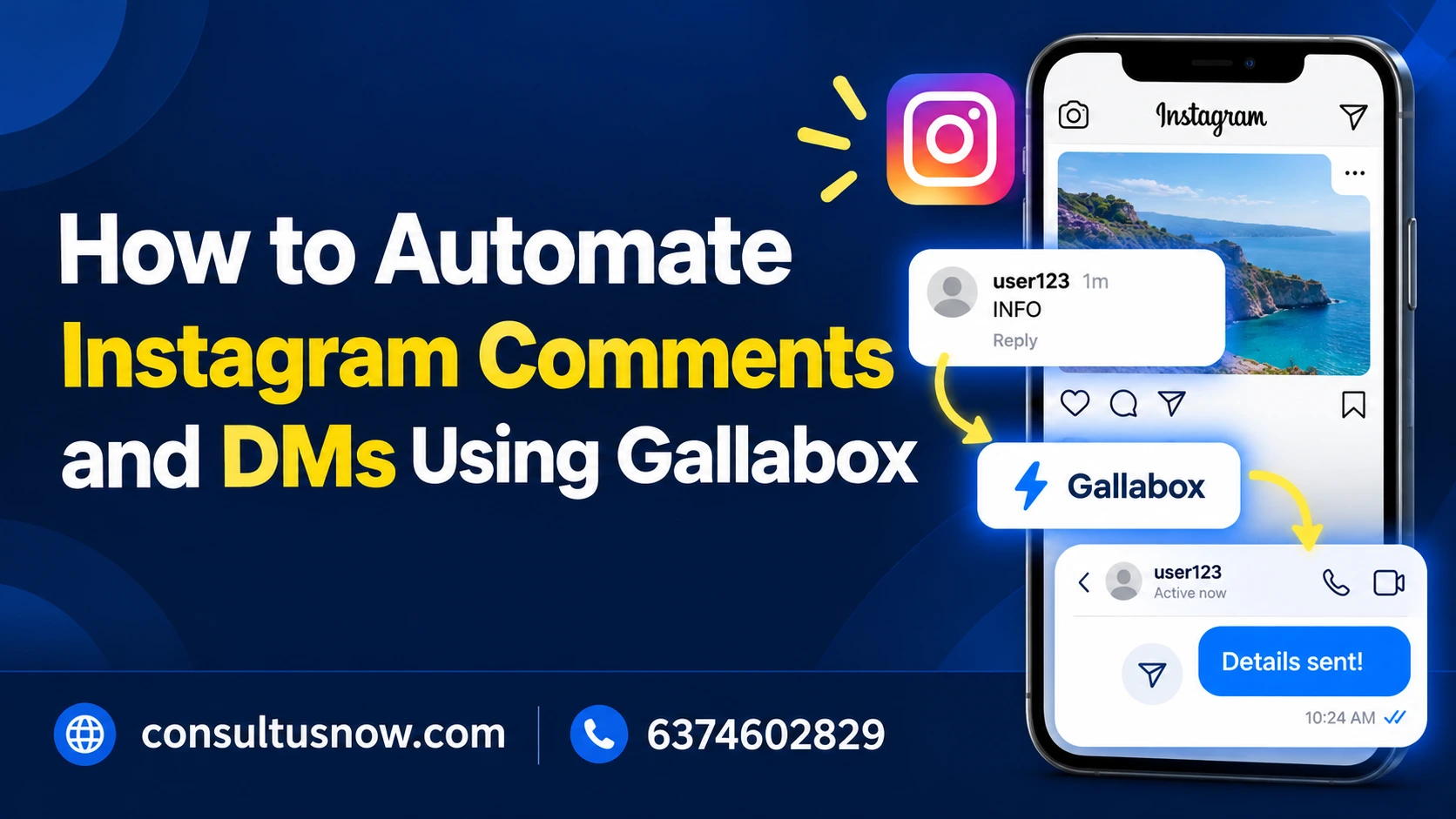
Have you ever seen brands on Instagram asking users to comment “LINK” to receive a product link, registration page, offer, or other information through Direct Message (DM)? This is a popular Instagram marketing strategy that helps businesses engage with their audience, respond faster, and generate more leads without manually replying to every comment.
But how does this automation work? One of the tools you can use for this purpose is Gallabox, which helps businesses automate conversations and streamline customer communication.
In this blog, we will explain how Instagram comment automation works, how Gallabox can help, and why businesses should consider automating their Instagram engagement.
What Is Instagram Comment-to-DM Automation?
Instagram comment-to-DM automation is a process that automatically sends a predefined direct message to a user when they comment on a particular Instagram post using a specified keyword.
For example, imagine you publish an Instagram post promoting a new product. In the caption, you ask people to comment “LINK” to receive the product details.
When someone comments with that keyword, the automation tool can trigger a predefined DM containing the requested information. You can also configure an automatic public reply to appear under the user’s comment.
This makes it easier for businesses to interact with their audience while reducing the time spent on repetitive communication.
How Does Gallabox Help Automate Instagram Comments?
Gallabox is a conversational automation platform that businesses can use to manage customer interactions and automate messaging workflows. Depending on the available Instagram integration and account permissions, you can configure workflows that respond to specific comments and send automated messages.
Here is how the process generally works.
1. Connect Your Instagram Account
The first step is to connect your eligible Instagram professional account to the supported automation platform. Make sure your account and connected Meta assets meet the platform’s requirements.
Once connected, you can configure the automation workflow based on your marketing requirements.
2. Set a Keyword for Your Instagram Post
Choose a keyword that users should comment on to trigger the automation.
For example:
- Comment “LINK” to receive the product link.
- Comment “PRICE” to receive pricing details.
- Comment “GUIDE” to receive a free guide.
- Comment “REGISTER” to receive an event registration link.
You can configure the trigger according to the options supported by your automation setup. This allows you to align the comment with the information you want to share.
3. Set Up an Automatic Direct Message
After selecting the keyword, prepare the message that users will receive when they comment.
For example, if someone comments “LINK,” you could send this message:
“Hi! Thanks for your interest. Here’s the link you requested. Click below to explore more details!”
You can include the relevant product page, website link, lead magnet, registration page, or other useful information.
Before publishing the workflow, test it to make sure the correct message is triggered and the link works properly.
4. Configure an Automatic Reply to the Comment
Apart from sending a DM, you can also configure a public reply to the user’s comment when the relevant integration supports this feature.
For example, when someone comments “LINK,” an automatic reply could say:
“Check your DM! We’ve sent you the link.”
This lets the user know that their request has been acknowledged. It also creates a smoother experience because they do not have to wonder whether the business has noticed their comment.
5. Test and Activate the Automation
Before using the automation on a live campaign, test the complete workflow.
Check whether the keyword is detected correctly, whether the expected DM is delivered, whether the public comment reply works, and whether the destination link opens properly.
Once everything is working as intended, activate the workflow and monitor its performance regularly.
Benefits of Automating Instagram Comments and DMs
Instagram automation can be particularly useful for businesses that receive a high volume of comments and messages.
Saves Time and Reduces Manual Work
Responding to every comment and sending individual DMs can consume a significant amount of time. Automation handles repetitive responses, allowing your team to focus on customer queries that require personal attention.
Improves Audience Engagement
When users comment on a post expecting information, a timely response can improve their experience. Automated replies help acknowledge their interest without requiring your team to be available for every interaction.
Helps Generate Leads
Comment-to-DM automation can be used to share lead magnets, product details, service information, webinar registrations, and promotional offers.
For example, a business can publish a post offering a free checklist and ask interested users to comment “GUIDE.” The automation can then deliver the resource through a DM, helping move interested users toward the next step.
Supports Product and Service Promotions
Businesses can use automated messages to share catalogues, pricing information, booking links, or service details. This is useful during product launches, seasonal promotions, and campaign periods when Instagram engagement increases.
Creates a More Consistent Customer Experience
With predefined messages, businesses can maintain consistent communication across repetitive interactions. This reduces the possibility of missing routine enquiries when multiple posts receive comments at the same time.
However, automation should complement human support rather than replace it entirely. Personalised responses are still important for complex questions, complaints, and customers who need individual assistance.
Also Read: How to Connect Your Instagram Account to a Facebook Page for Meta Ads?
Best Practices for Instagram Comment Automation
To make your automation more effective, keep the following practices in mind:
- Use simple keywords: Choose words such as “LINK,” “PRICE,” or “GUIDE” that are easy for users to remember.
- Keep messages relevant: Send the information promised in the Instagram post instead of an unrelated promotional message.
- Write conversational replies: Make automated messages sound natural and helpful rather than overly formal.
- Test your workflows: Verify that comment triggers, DMs, and links work correctly before launching a campaign.
- Follow Meta’s policies: Use supported integrations and comply with Instagram’s messaging rules, permissions, and applicable messaging windows.
- Monitor performance: Review engagement, link clicks, enquiries, and conversions to understand whether the automation is contributing to your marketing goals.
- Provide human support: Make it easy for customers to contact your team when they need assistance beyond automated responses.
Remember that automation features can vary depending on the tool, subscription, Instagram account type, and integration permissions. Confirm the current capabilities available in Gallabox before setting up your workflow.
Who Should Use Instagram Comment-to-DM Automation?
This type of automation can benefit a wide range of businesses, including:
- E-commerce brands sharing product links and catalogues.
- Coaches and educators promoting courses or workshops.
- Clinics sharing appointment or service information.
- Agencies distributing marketing resources and collecting enquiries.
- Creators offering guides, templates, and exclusive content.
- Local businesses responding to repeated questions about services and offers.
If your Instagram account receives frequent comments and DMs, automation can help you manage these interactions more efficiently.
Need Help Setting Up Instagram Automation?
At Consultus Now Marketing Solutions, we help businesses improve their digital marketing processes through practical strategies, campaign management, and lead generation solutions.
If you want to automate Instagram comments and DMs, our team can help you understand the setup process, identify suitable tools, and align your automation workflow with your marketing objectives.
As a Meta Ads agency in Tiruppur, we understand how important it is for businesses to respond to potential customers promptly and make the most of their social media engagement. Combining effective advertising with a well-planned messaging workflow can help businesses manage enquiries more efficiently.
Whether you are promoting products, generating leads, or building brand awareness, the right automation strategy can reduce repetitive tasks and create a smoother experience for your audience.
Consultus Now Marketing Solutions also supports businesses looking for a reliable digital marketing agency in Tiruppur to improve their online presence and marketing performance.
For assistance with Instagram automation or digital marketing services, contact Consultus Now Marketing Solutions to discuss your requirements.
Conclusion
Instagram comment-to-DM automation is a useful way to simplify repetitive customer interactions. With tools such as Gallabox, businesses can configure keyword-based workflows to deliver requested information through direct messages and, where supported, respond publicly to comments.
Instead of manually replying to every user, you can streamline routine communication, improve response efficiency, and give your team more time to focus on meaningful customer conversations.
The key is to use automation thoughtfully: provide relevant information, test every workflow, follow platform policies, and maintain a human touch whenever customers need personalised assistance.
Ready to make your Instagram communication more efficient? Explore the automation options available to your account and choose a setup that fits your business goals.